
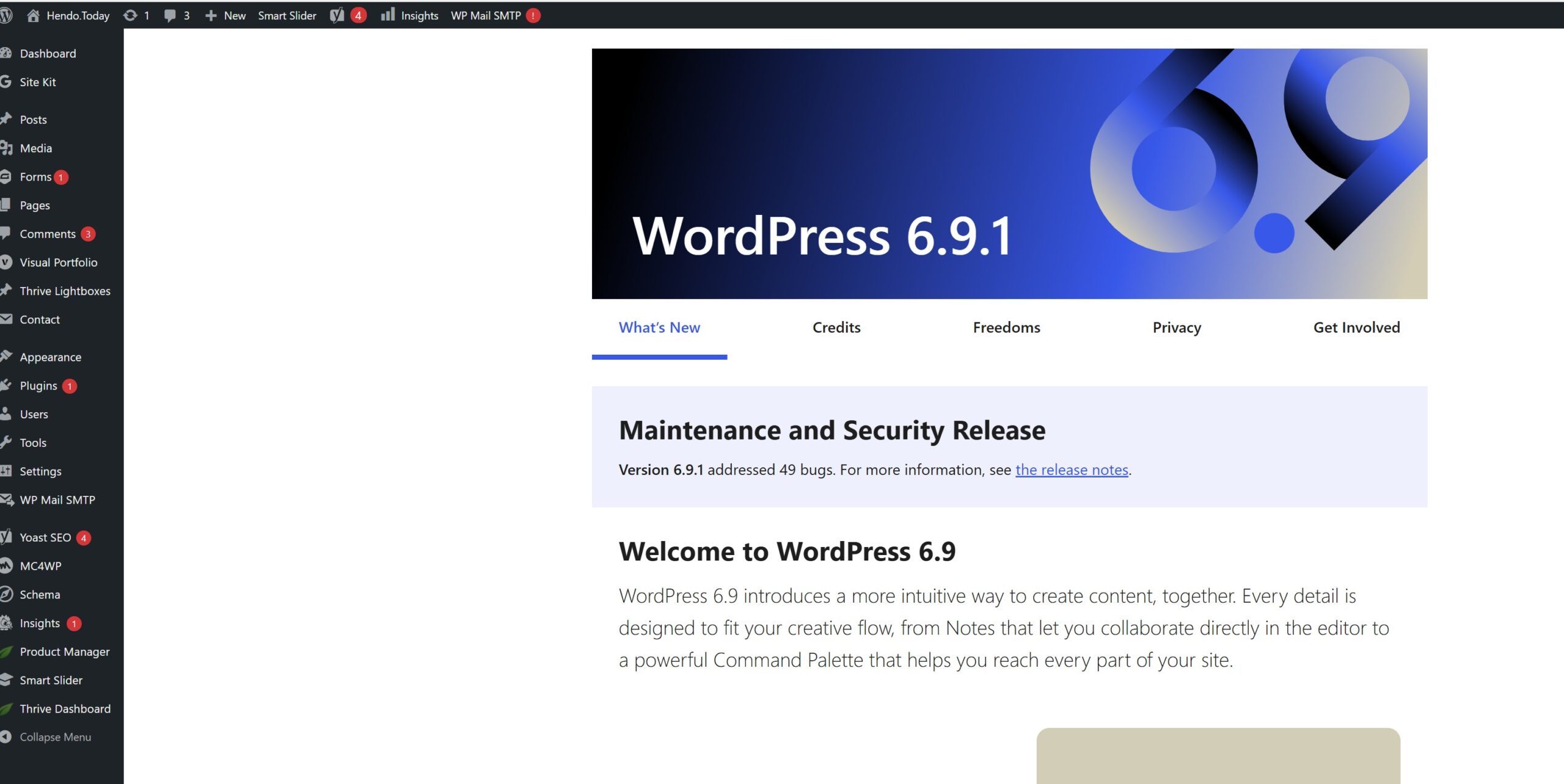
What is a CMS?
A Content Management System (CMS) is software that helps users create, manage, and modify content on a website without the need for specialized technical knowledge. In essence, a CMS is a tool that helps you build a website without needing to write all the code from scratch (or even know how to code at all).
Why Use a CMS?
- Ease of Use: Allows non-technical users to easily create and manage website content.
- Flexibility: Many CMSs offer a range of plugins and themes for extended functionality.
- Cost-Effective: Reduces the need for expensive web development expertise.
- Collaboration: Multiple users can work on and manage the content.
What is WordPress?
Overview of WordPress
WordPress is a popular open-source CMS. Originally created as a blog-publishing system, it has evolved into a versatile CMS where you can create a fully operational website and mobile applications.
Key Features
- User-Friendly: Intuitive interface that is easy for beginners.
- Customizable: A vast library of themes and plugins.
- SEO-Friendly: Offers various tools to optimize for search engines.
- Community Support: Large community providing extensive support and resources.
Understanding WordPress Themes
What is a Theme?
A WordPress theme is a collection of files that work together to produce a graphical interface with an underlying unifying design for a website. These files are called template files. A theme modifies the way the site is displayed, without modifying the underlying software.
Popular WordPress Themes
- Astra: Known for its speed and simplicity.
- OceanWP: Offers a lot of customization options.
- Divi: Comes with a built-in drag-and-drop builder.
- Avada: Known for its versatility and powerful options.
Why Small Businesses Should Consider Thrive Architect
Introduction to Thrive Architect
Thrive Architect is a WordPress plugin and a visual page builder, known for its focus on conversion optimization. It's designed for business websites that want to attract and convert clients or sell products.
Advantages for Small Businesses
- Conversion Focused: Helps in creating engaging, persuasive pages.
- No Coding Required: Drag-and-drop editor makes it easy to create beautiful pages.
- Pre-Built Templates: Provides a range of templates suited for different business needs.
- Integration: Easily integrates with other tools and services for marketing, social media, etc.
Conclusion
For small businesses, using a CMS like WordPress, combined with a powerful theme or a tool like Thrive Architect, can greatly simplify the process of building and managing a professional-looking website. It offers flexibility, cost-effectiveness, and a range of tools geared towards growing your business online.
 Call Now to Get Featured
0 comments